
Google search is one of the most consistent sources of targeted leads for local businesses. When you’re at the top of the search results, you increase your chances of being discovered by new clients every single day — without paying for ads.
This local business growth plan template can be implemented using free online tools. Work through each section in order.
Want faster results? Skip the DIY and get a human-curated site audit →
Before diving in, set realistic expectations. Local SEO is not instant — but it compounds.
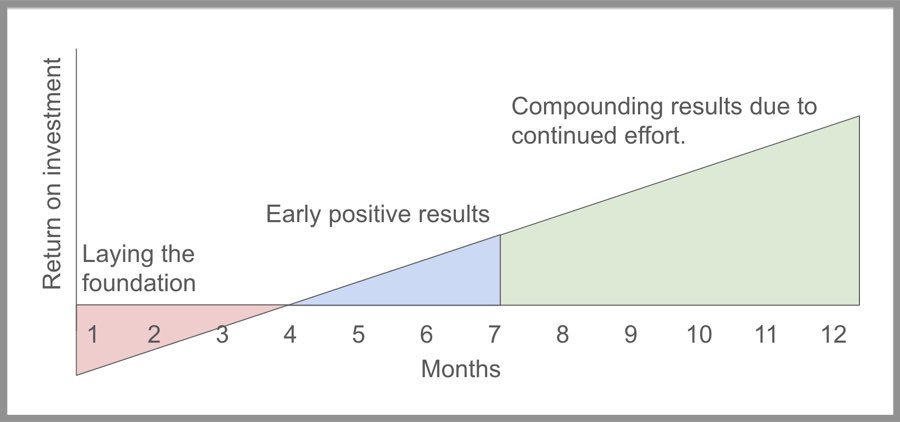
Most local businesses start seeing meaningful movement in 60–90 days when they follow this plan consistently.
Start a private/incognito browsing session and use isearchfrom.com to simulate a search from your target location. Search for your primary service (e.g. “chiropractor near me” or “emergency dentist [city]”).
Your goal is to identify who’s ranking at the top and understand exactly why.
The three listings that appear at the top of local search results are called the map pack. Getting into the map pack is one of the highest-impact moves in local SEO — it drives more calls than organic results for most service businesses.
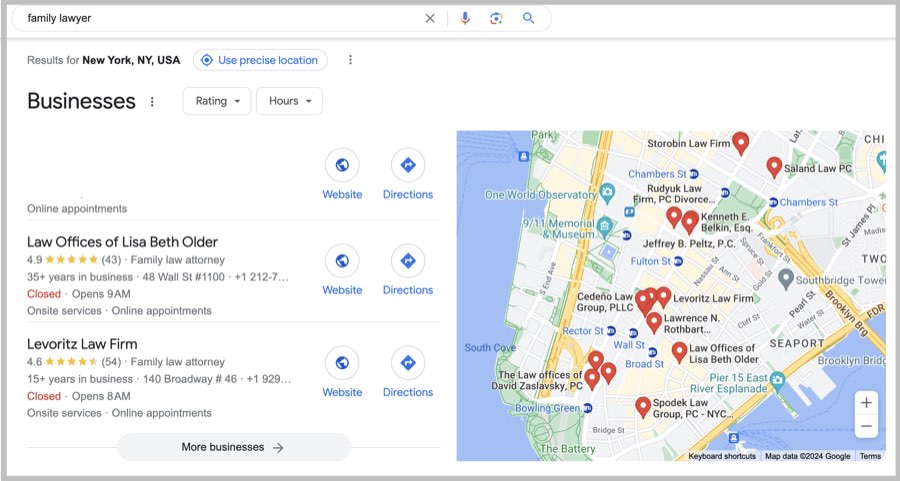
Study the top three competitors. Here’s what to look for:
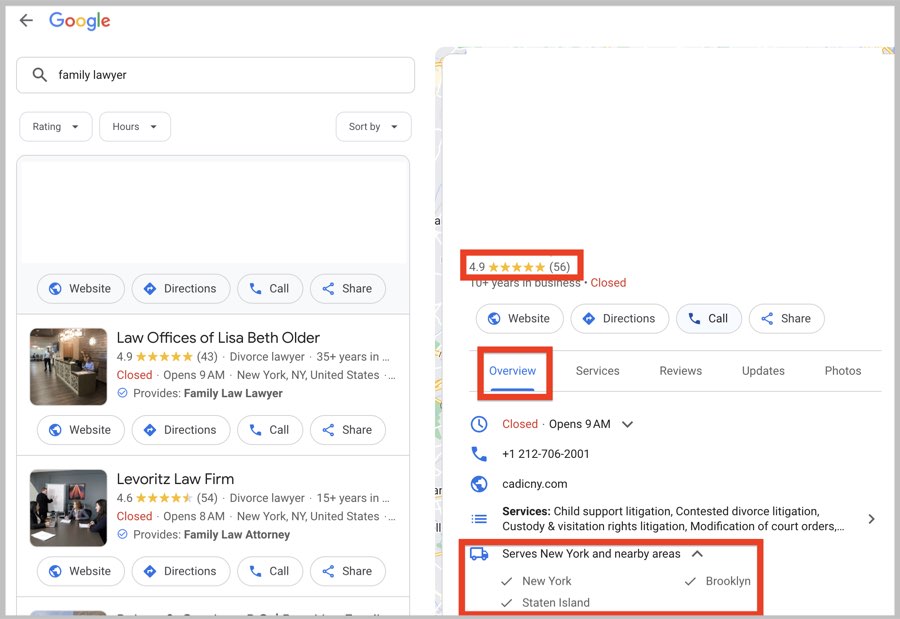
Reviews and service areas
Check how many reviews they have and which areas they list as their service region. If your competitors are serving neighbouring areas and you’re not listing them on your profile, you’re invisible to those searches.
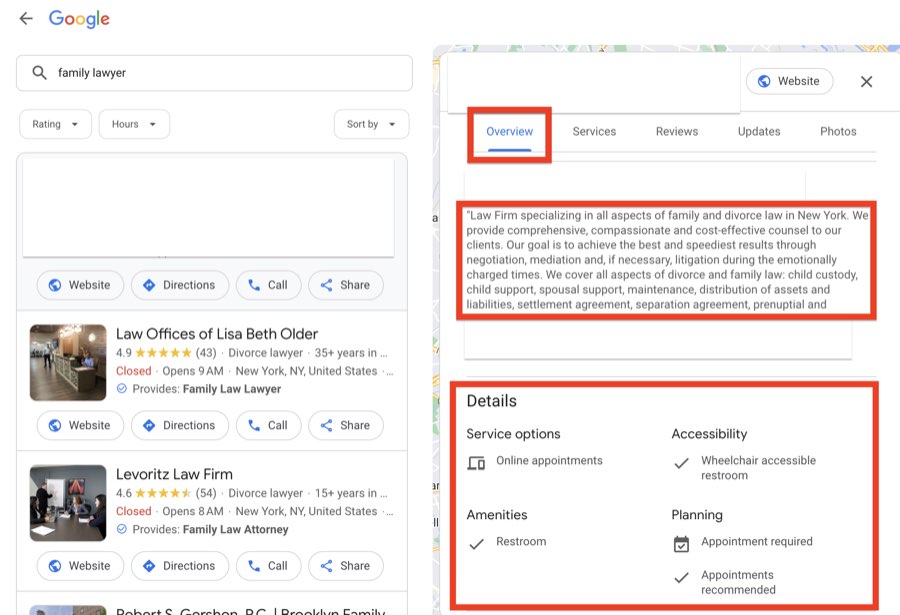
Their business description and keywords
Read their business description carefully. What keywords do they use? What problems do they position themselves as solving? Your description should cover the same ground — in your own voice.
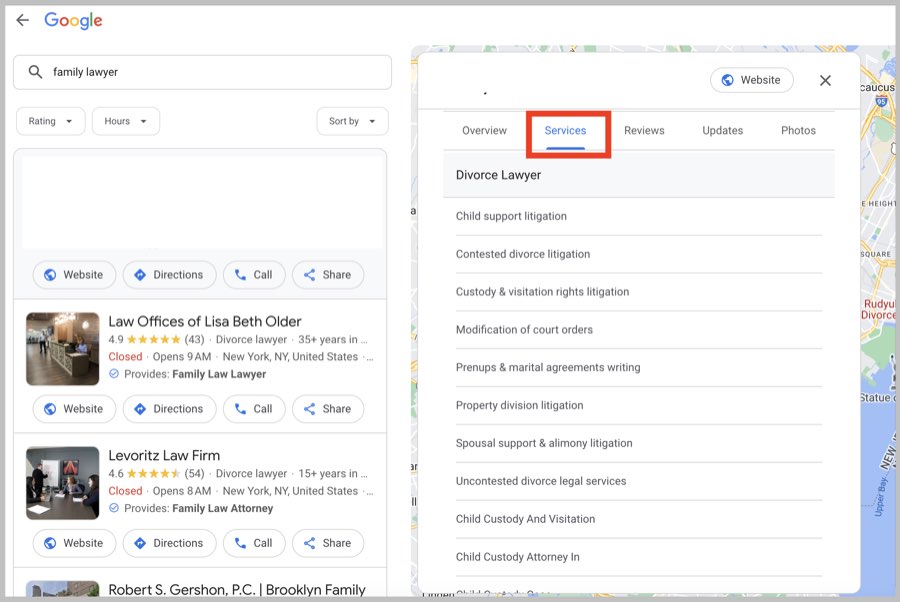
Their service list
Google lets businesses list every service they offer. Most don’t fill this in. Your competitors who rank well almost certainly do. Check what services they’ve listed and make sure yours is at least as complete.
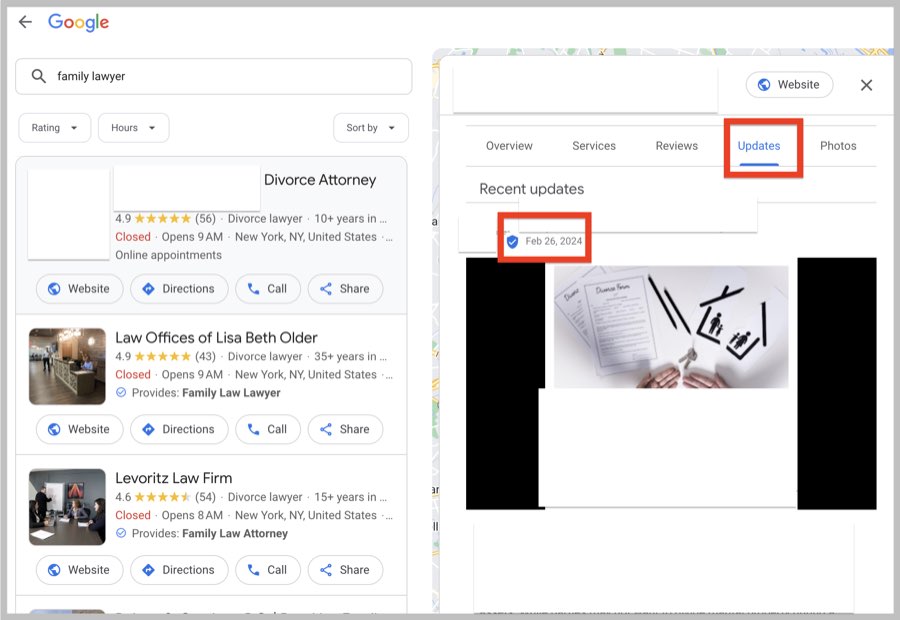
How often they post updates
A lot of business owners don’t know their competitors are actively posting to their Google Business Profile. Regular updates are a ranking signal. Check the “Updates” tab on competitor profiles.
Using everything you learned from your competitor analysis, update your own profile. Your target: get the Profile Strength indicator to green.
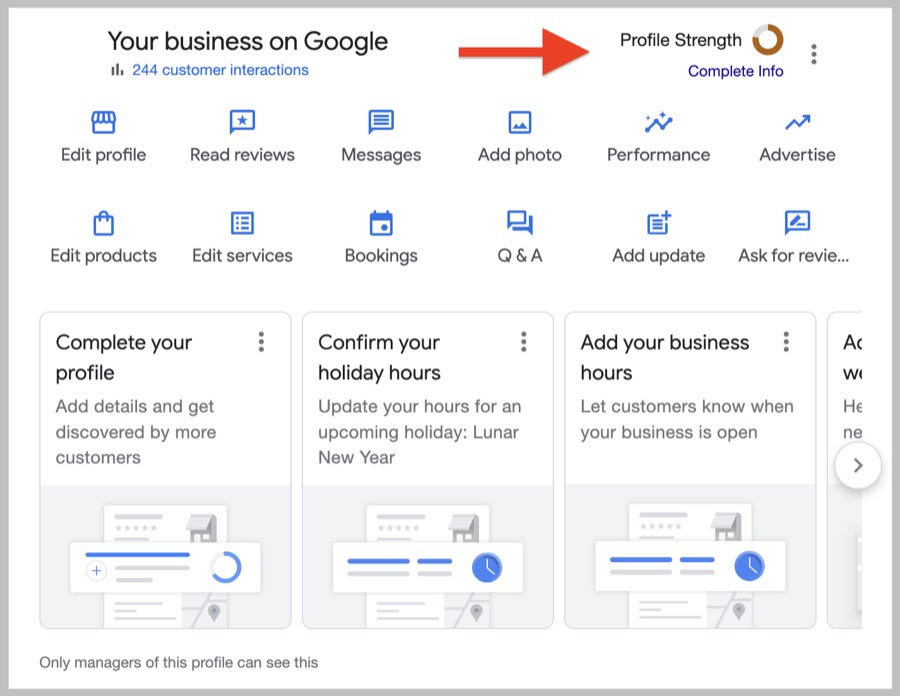
Work through this checklist:
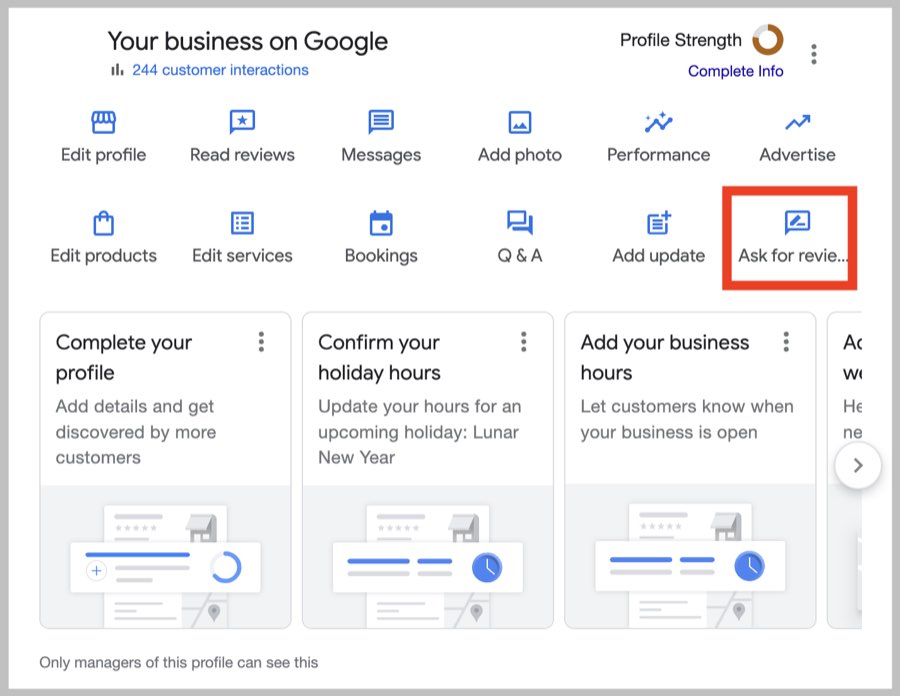
The fastest way to get more reviews: ask every happy client directly, and give them a direct link to your review page so it’s one tap.
Your GBP gets people to click. Your website has to convert them. Work through this with your web developer:
Authority signals help Google trust your site enough to rank it. These are the foundational ones:
The businesses that win in local search aren’t always the biggest or the oldest. They’re the ones that show up consistently — updating their profile, collecting reviews, publishing content, and building authority month after month.
This plan works. But it takes time and repetition.
If you’d rather have it done for you — a human-curated audit that shows you exactly what’s holding your site back, ranked by revenue impact — that’s what I offer. Completely free.

Solo dev. Revenue-focused SEO consultant. Creator of SEO ContentSpy. Good governance advocate. Outside of work he loves freediving and goofing around with his wife and 2 kids.
Elmer Cruz · Apr 27, 2026

Elmer Cruz · Apr 13, 2026
Elmer Cruz · Apr 9, 2026